Did you know that video calling services like WhatsApp and Skype are blocked in Egypt?
If you’re living in Egypt or planning a trip to see the pyramids soon, you’ll need a way to contact your loved ones without restrictions.
Using a Virtual Private Network (VPN) is the best way to get around the geo-restrictions that prevent you from using these apps.
All you have to do is connect to a server address in a permitted location, and it will appear as though you are actually there.
It might sound tricky, but it’s actually quite simple, and we will walk you through the process in this article…
In a Hurry? Here’s How to Unblock WhatsApp Calls in Egypt
Why You Need a VPN to Unblock WhatsApp Voice and Video Calls in Egypt
Due to geo-restrictions, popular calling apps like WhatsApp, FaceTime, Tango, and Viber are blocked in Egypt.
If you want to bypass such restrictions, you will need to find a way to hide your location, masking your real IP address.
The best way to go about doing this is by using a secure and anonymous service to spoof your location.
When you use a VPN to connect to a server in a permitted country, your IP address will then reflect this server address instead of your actual location.
By using a secure service, you will not only be able to unblock WhatsApp, but also other geo-restricted content, like your favorite TV shows, movies, or sites.
Using a VPN for Egypt is recommended to change your server address, and it will allow you to bypass the Internet limits that prevent you from streaming, gaming, and talking with friends and family.
How to Choose the Best VPNs for WhatsApp Calls in Egypt
When looking for the best VPN to make a WhatsApp call in Egypt, you will want to follow these criteria:
 Broad Server Network — A broad server network means you have more VPN server address options to choose from when looking for a new IP address. It also means that you will be able to unblock content in countries around the world.
Reliable Security Protocols — You will want a strongly encrypted connection that will keep your personal info secure, especially if you’re traveling to a foreign country that may have different laws than your home country.
Fast Speeds — A VPN with good speeds and reliable connections is important for video chatting so that your call doesn’t freeze up mid-sentence.
3 Best VPNs for WhatsApp Call in Egypt
In order to make WhatsApp calls in Egypt, here are the most reputable VPN services, based on our research:
1. ExpressVPN
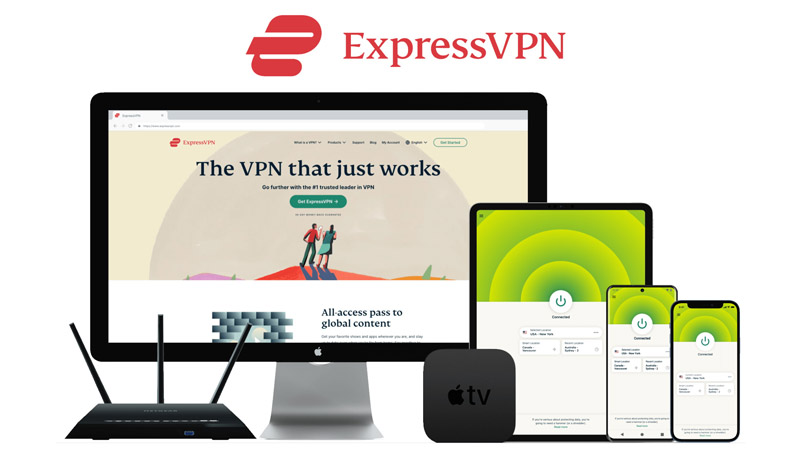


ExpressVPN is a great VPN to use if you’re looking to change your IP address to unblock WhatsApp in Egypt.
This VPN service has a network of 3,000 servers, so you will have ample VPN server address options from which to choose.
ExpressVPN is compatible with all major devices, like iPhone, Android, Windows, macOS, Linux, and more; and it has unlimited bandwidth, so you won’t have to worry about hitting any limits.
This VPN provider has top-notch security protocols like military–grade encryption (256–bit AES encryption), DNS, WebRTC, IPv6 leak protection, OpenVPN protocol, and a Kill Switch that stops all your Internet traffic if your VPN connection drops.
- Excellent safety features
- VPN with a large network of fast servers
- Consistent connections
- Able to unblock WhatsApp calling
- Anonymous payment option with Bitcoin
- 30-day money-back guarantee
- More expensive than its competitors
2. NordVPN
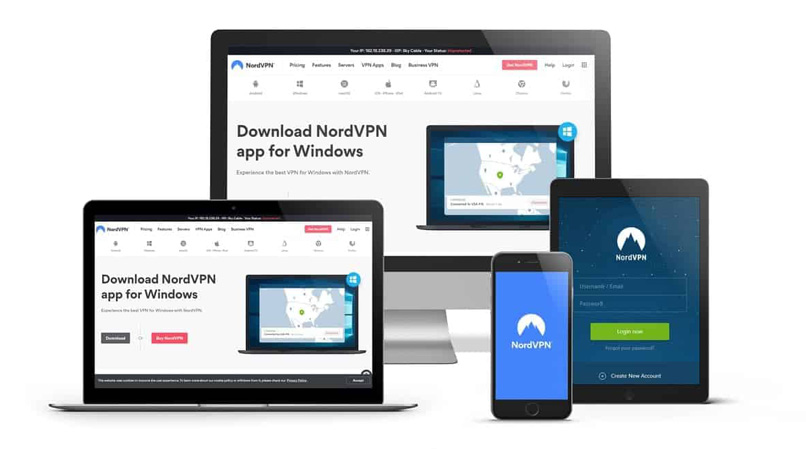
NordVPN is another excellent VPN to unblock VoIP, WhatsApp, or any other voice-calling applications.
This VPN service offers 5,200+ servers located in almost 60 countries around the globe, and there are no Internet limits (unlimited bandwidth), fast speeds, and the ability to easily bypass such kinds of Internet restrictions.
When it comes to security, NordVPN offers reliable features such as military–grade encryption, DNS and WebRTC leak protection, double VPN encryption, and a Kill Switch.
This VPN service is compatible with all major devices, such as iOS, Windows, iPhone, and Android; and you can test it risk-free with its 30–day money–back guarantee.
- Affordable VPN
- Large network of server address options
- Ability to unblock WhatsApp calling
- Great privacy and security
- 30-day money-back guarantee
- Some issues with its user interface
3. Surfshark
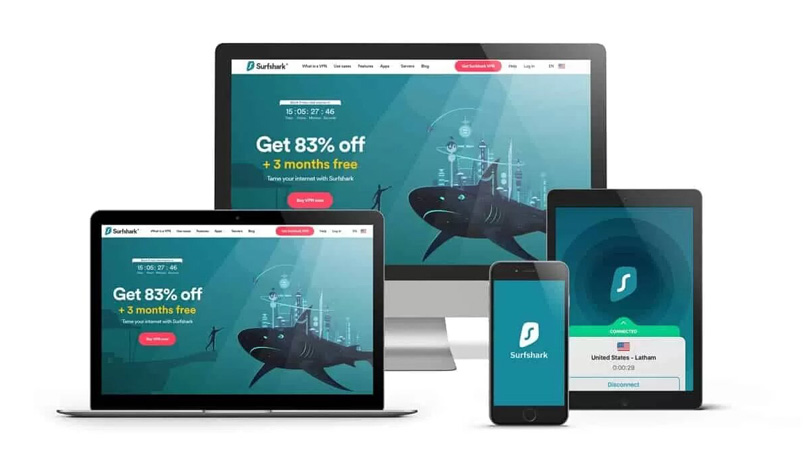
Surfshark is a budget-friendly option to use if you want to unblock WhatsApp, offering top security, decent speeds, and a generous server network of 3,200 VPN server locations spread around the globe.
Compatible with all major devices, and with top-tier security features, like encryption, no logs policy, and leak protection, you can feel confident in bypassing geo-restrictions securely using this VPN.
This VPN service also offers unlimited simultaneous connections, which is more than its competitors offer, as well as a 30-day money-back guarantee to test the service before committing.
- Great price for a VPN
- Unlimited simultaneous connections
- Can unblock WhatsApp
- Unlimited bandwidth
- 30-day money-back guarantee
- Easy to set up a new VPN connection
- Inconsistent speeds
- Some buffering and increased lag
Can I Use a Free VPN for Whatsapp?
There are a few reasons why we don’t recommend using a free VPN service to unblock WhatsApp calling in Egypt.
The first reason is that free VPN services tend to have small server networks, which means that each server will be overcrowded, causing issues like lags and buffering.
Free services also tend to offer low bandwidth limits, and since Skype and other services use up a lot of data, you are likely to hit that limit pretty quickly and get bumped off.
Another reason we don’t recommend free VPN services is security. When using a VPN it’s crucial to have top-notch security protocols so that you can use the Internet safely and anonymously.
Having a secure connection is especially important when traveling to foreign countries since you never know what their online monitoring policies are. Free VPN services lack security protocols like encryption, leak protection, and a no-logs policy. In fact, they often sell user data to third parties and advertising agencies.
So if you are looking for a secure and anonymous service, we don’t recommend using a free VPN service for this.
FAQs
If you want to unblock VOIP and these other services, you will have to connect to remote servers in other areas to appear as though you are placing the call from somewhere else.
Setting up a new VPN connection on your Android or iPhone is pretty easy if you just follow the directions from your VPN provider.
By using a VPN, you can connect to remote servers in other locations, change your IP address, and get past the area’s Internet limits.
If you want to set up a new VPN connection on your device, the process is pretty simple. Just follow the directions on your VPN provider’s website.
We recommend ExpressVPN, promising a secure connection, fast speeds, and a huge VPN server network spread across the globe.
Conclusion
If you are in Egypt and want to bypass the Internet limits to unblock WhatsApp, using a VPN is the safest and more secure way to do so.
By using a VPN you can hide your real server address and connect to a different server to make it seem like you’re placing your WhatsApp call from somewhere else.
Using a VPN is safe, secure, and easy. We recommend ExpressVPN as the best VPN for making a WhatsApp call in Egypt.